Web Development in 2025: The Ultimate Guide to Building Your Business Website
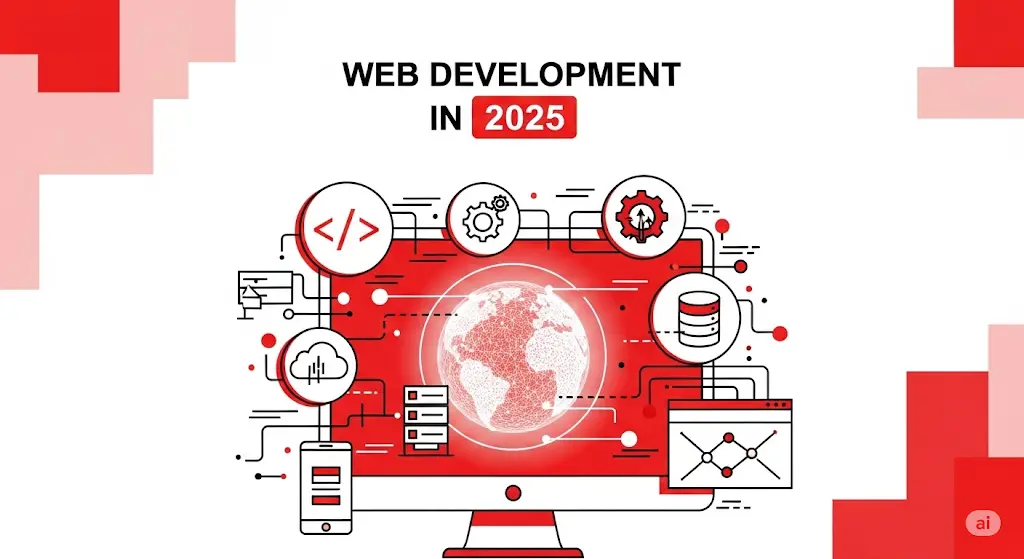
In the digital-first economy of the GCC, your website is more than just an online brochure; it is your company’s digital headquarters. It’s your most powerful asset for attracting customers, building brand credibility, and driving revenue. For startups and SMEs in bustling markets like Dubai, Riyadh, and Muscat, a secure, scalable, and effective business website is not optional—it’s the foundation of your entire digital presence.
This guide is designed for business leaders who need to make critical decisions about their web development strategy. We will navigate the most fundamental choice you’ll face: building a custom website versus using a Content Management System (CMS). We’ll delve into the non-negotiable pillars of a modern website—security and hosting—and explore the design principles that create exceptional user experiences (UI/UX). Finally, we’ll uncover the secrets to building a site that is not just beautiful, but also loved by search engines, ensuring a steady stream of organic traffic. This is your comprehensive roadmap to building a website that works as hard as you do.
The Foundational of web development: Custom Website vs. CMS
Before any design or development begins, you must answer a strategic question: Should you use a pre-built Content Management System (CMS) like WordPress, or invest in a custom-built website? This decision will profoundly impact your budget, flexibility, and long-term scalability.
- Content Management System (CMS): A CMS is a platform that simplifies website creation and content management for users with little to no coding experience.[54] WordPress is the most famous example.
- Pros: CMS platforms are cost-effective, quick to set up, and user-friendly. They offer thousands of pre-built themes and plugins to add functionality easily.[53, 55] This makes them ideal for blogs, portfolio sites, and standard business websites.
- Cons: The biggest drawbacks are limited customization, potential security vulnerabilities if plugins aren’t updated, and “website bloat” from too many plugins, which can slow down performance.[56, 55] You are ultimately constrained by the platform’s framework.
- Custom Website Development: A custom website is built from the ground up by developers, tailored precisely to your business needs.[55]
- Pros: This approach offers unparalleled flexibility in design and functionality. It’s highly scalable, generally more secure, and can be optimized for peak performance.[52, 57] A custom build is essential for businesses with unique processes, complex integrations, or proprietary features.
- Cons: The primary disadvantages are significantly higher initial costs and a much longer development timeline. It also requires professional developers for ongoing maintenance and updates, adding to long-term costs.[56, 52]
How to Choose?
- Choose a CMS if: You need a standard website (like a blog or corporate site), have a limited budget, and need to launch quickly.
- Choose a Custom Website if: You have unique functionality requirements, need to integrate with proprietary systems, prioritize long-term scalability and security, and have the budget for a long-term investment.
Building on a Solid Foundation: Hosting and Security
A website is only as strong as its foundation. The right hosting and robust security measures are critical for performance, reliability, and protecting your business and your customers.
Choosing the Right Web Hosting
Web hosting is the service that stores your website’s files and makes them accessible on the internet. Choosing the wrong host can lead to slow load times, frequent downtime, and security risks.[58, 59] There are four main types of hosting:
- Shared Hosting: The most affordable option, where your site shares server resources with many others. Ideal for new, low-traffic websites, but performance can be inconsistent.[60, 61]
- VPS (Virtual Private Server) Hosting: A step up from shared hosting. You still share a server, but you get a dedicated slice of its resources. This offers better performance and more control, making it great for growing businesses.[60, 61]
- Dedicated Hosting: You rent an entire server for yourself. This provides maximum performance, security, and control, but it’s the most expensive option. Best for high-traffic e-commerce stores or large enterprises.[60, 61]
- Cloud Hosting: Uses a network of servers to host your site, offering excellent scalability and reliability. If one server has an issue, another takes over. It’s perfect for sites with fluctuating traffic.[58]
When selecting a provider (like Bluehost or SiteGround [62]), prioritize at least 99.9% uptime, strong security features (like free SSL certificates), 24/7 customer support, and clear scalability options.[61, 63]
Non-Negotiable Web Security Practices
In an age of constant cyber threats, website security is paramount. A breach can destroy customer trust and lead to severe financial penalties. Essential security practices include:
- HTTPS and SSL/TLS Certificates: An SSL certificate encrypts all data transmitted between your website and its visitors (like passwords and credit card info). It’s essential for user trust and is a known SEO ranking factor.[64, 65]
- Strong Authentication: Enforce complex passwords for all user accounts and implement two-factor authentication (2FA) for an extra layer of protection.[66]
- Regular Software Updates: Keep your CMS, plugins, and all other software updated to patch known vulnerabilities, which are a common entry point for attackers.[67, 66]
- Web Application Firewall (WAF): A WAF acts as a shield, filtering and blocking malicious traffic before it can even reach your website.[66]
- Regular Backups: Automatically back up your website data frequently and test your backups to ensure you can quickly restore your site in case of an incident.[66]
Designing for Humans and Search Engines
A great website must serve two masters: the human user and the search engine crawler. This requires a dual focus on exceptional user experience and technical SEO-friendliness.
UI/UX Principles for an Engaging Website
User Interface (UI) is what the user sees; User Experience (UX) is how they feel when using it.[68] Good UX is about making a website intuitive, efficient, and enjoyable. Key principles include:
- User-Centricity: Every design decision should start with understanding the user’s needs and goals. Don’t make assumptions; use data and research.[69, 70]
- Visual Hierarchy: Arrange elements logically to guide the user’s eye to the most important information. Use size, color, and placement to make key elements like “Add to Cart” buttons stand out.[71, 72]
- Consistency: Use consistent design patterns, colors, and language throughout the site. This makes the experience predictable and easy for users to learn.[70, 72]
- Simplicity: Don’t overwhelm users with too many choices. Limiting options (Hick’s Law) helps users make decisions faster and reduces cognitive load.[71]
Making Your Website Search Engine Friendly
A beautiful website is useless if no one can find it. Technical and on-page SEO are the practices of structuring your site so search engines like Google can easily crawl, index, and understand your content.[31] Essential elements include:
- Logical Site Structure: Use clean, descriptive URLs (e.g., your-site.com/services/web-development instead of your-site.com/p?id=123) and organize content into logical directories.[73, 74]
- On-Page Optimization: Use relevant keywords in your page titles, meta descriptions, and header tags (H1,H2, etc.) to signal what each page is about.[74, 75]
- Fast Page Load Speed: Site speed is a critical ranking factor. Optimize images, minify code, and leverage browser caching to make your site as fast as possible.[76, 74]
- Mobile-Friendliness: With Google’s mobile-first indexing, your site must provide a seamless experience on mobile devices. A responsive design is non-negotiable.[76, 74]
- XML Sitemap and robots.txt: An XML sitemap is a map of all your important pages for search engines to follow, while a robots.txt file tells them which pages to avoid crawling.[31, 77]
Conclusion: Your Digital Foundation Awaits
Building a business website is a foundational investment in your company’s future. By making a strategic choice between a custom build and a CMS, securing your site with robust hosting and security protocols, and designing an experience that delights both users and search engines, you create more than just a website—you build a powerful engine for growth.
The process can be complex, but you don’t have to navigate it alone. At Qowwa, we specialize in web development that drives business results, from crafting custom solutions to optimizing CMS platforms. If you’re ready to build a website that establishes your digital authority, contact us for a free consultation and let’s build your digital foundation together.